Get started
Welcome to Yebo Sports. This guide will walk you through creating an account, logging in, and setting up your profile so you can start booking sports facilities.
Create an account
To use Yebo Sports, you will need to create an account. You can sign up using your email address or continue with Google for faster registration.
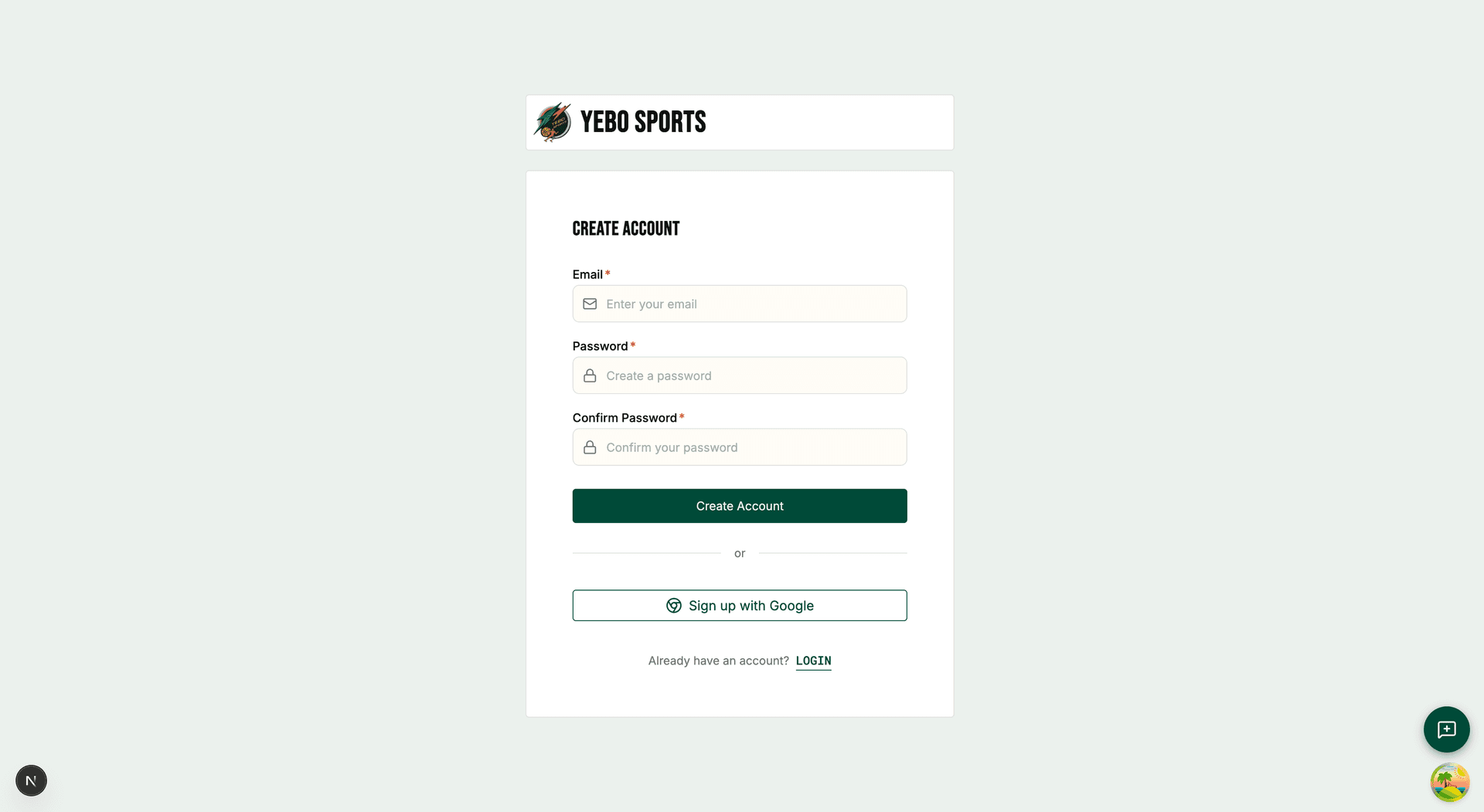
Go to the registration page
Visit the Yebo Sports website and click on Get started or Create account button on the homepage or login page.
Enter your details
Fill in the registration form with:
- Your email address
- A strong password (minimum 8 characters)
Alternatively, click the Google sign-in button to use your Google account.
Verify your email
Check your email inbox for a verification link from Yebo Sports. Click the link to confirm your email address and activate your account.
Log in
Once you have created an account, you can log in to access all features.
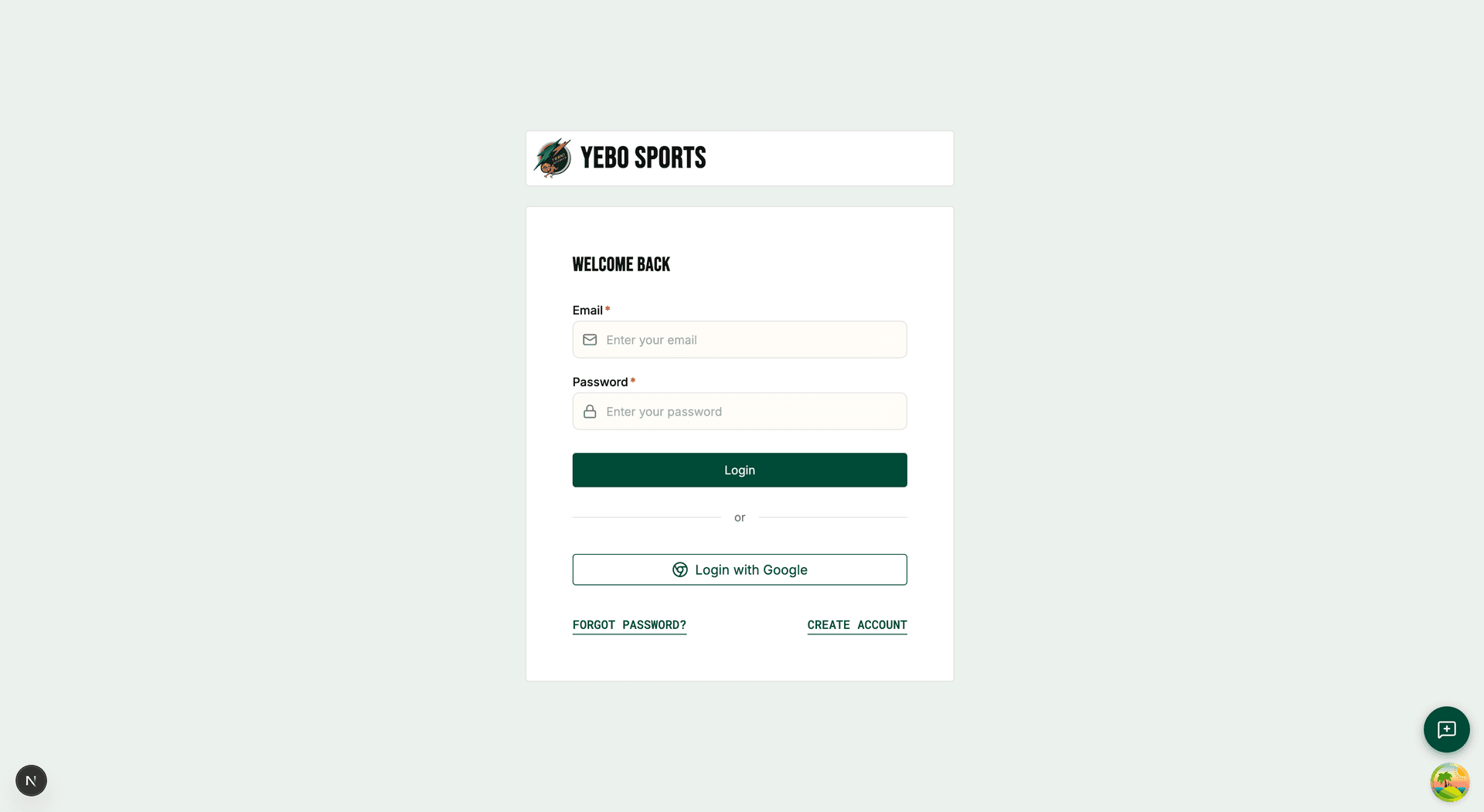
Go to the login page
Click on the Login button on the homepage or navigate directly to the login page.
Enter your credentials
Enter your registered email address and password, then click Login. If you signed up with Google, click the Google sign-in button instead.
Reset your password
If you have forgotten your password, click the Forgot password? link. Enter your email address and we will send you a password reset link.
Complete onboarding
When you first log in, we’ll ask you a few questions to set up your profile.
Select your sports
Choose the sports you are interested in from the list provided. This helps us show you relevant pitches and facilities. You can select multiple sports.
Complete your profile
Add your display name so other users can identify you when viewing bookings. You can also add a profile photo.
Start exploring
Once onboarding is complete, you will be taken to your dashboard where you can view available pitches, make bookings, and manage your account.
Navigate the dashboard
Your dashboard is the central hub for all your activities on Yebo Sports. Here is what you will find:
- Wallet balance: Your current wallet balance and Yebo Coins (loyalty points)
- Upcoming bookings: A quick view of your next scheduled bookings
- Calendar: Access to the booking calendar to make new reservations
- Profile: Manage your account settings and preferences
Use the bottom navigation bar (on mobile) or sidebar (on desktop) to move between different sections.